WhatsApp Links With a Pre-filled Message
A chat link can carry its own opening line. Used well it removes the awkward first sentence entirely — the customer taps once and the enquiry is already written.
The format
Take a normal chat link and add a text parameter:
https://wa.me/447700900123?text=Hi%2C%20I%20saw%20your%20listing
WhatsApp opens the conversation with that sentence sitting in the input box. Nothing is sent until the person presses send, which is exactly why the pattern is safe to put on a website or a poster.
Leave the number out — https://wa.me/?text=… — and the sender chooses the recipient themselves. That variant is what a "share on WhatsApp" button uses.
Encoding rules
- Space becomes
%20 - Line break becomes
%0A &becomes%26,#becomes%23,+becomes%2B- Emoji are fine as-is in modern browsers, but encoding them is safer in print
An unencoded & is the single most common cause of a truncated message — everything after it is read as a different parameter. The link generator handles the encoding for you, and the format reference covers the rest of the URL.
What people use it for
- Website buttons that open a chat with the product name already in the message
- Invoices and receipts with a "question about this order" link
- Posters and menus, where the link sits behind a QR code
- Support pages, where the pre-filled text carries a reference number
Printing it is one step further: a QR code encodes the same URL, and QR codes for business covers placement and sizing.
Reusing the same message
If you send variations of the same three messages all day, rebuilding the link each time is wasted effort.
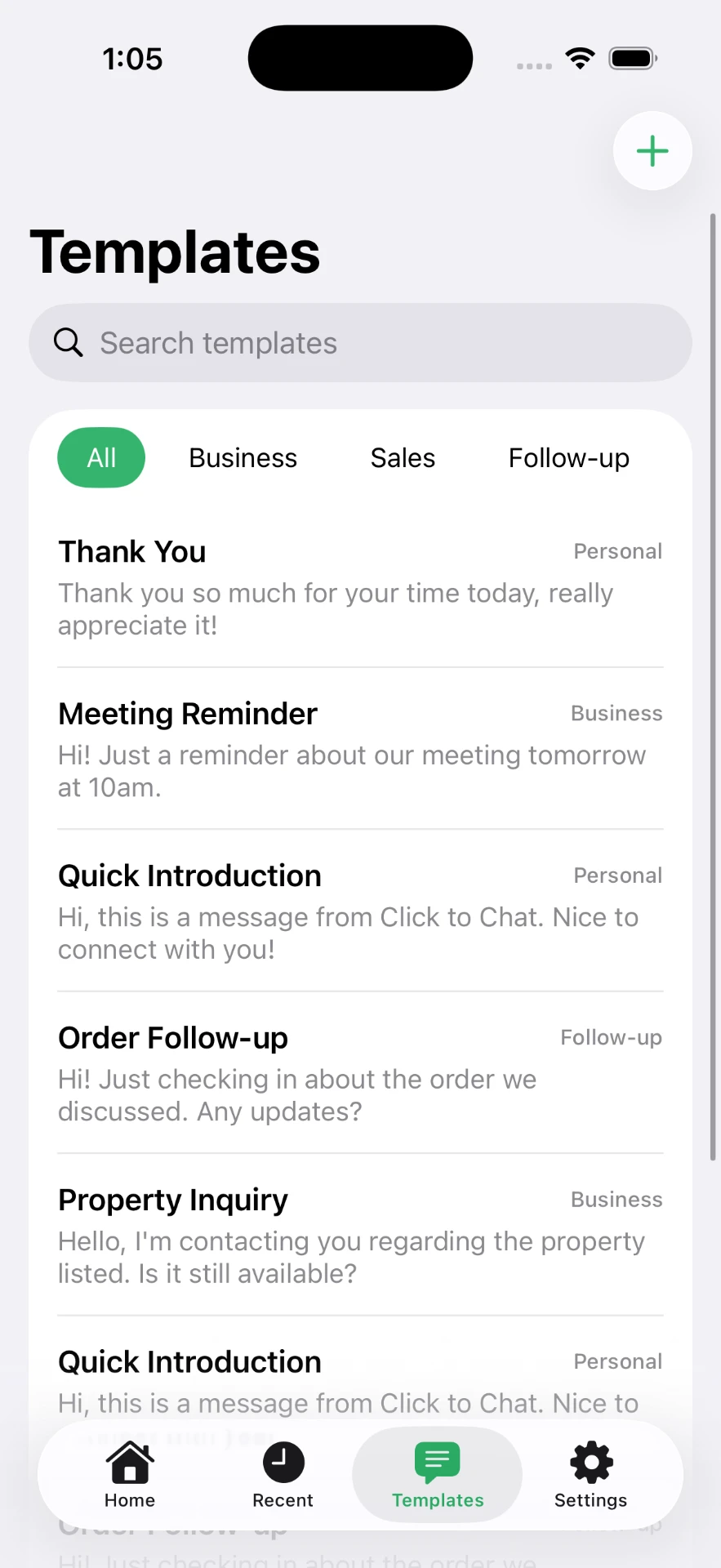
Click to Chat keeps reusable templates on the device and attaches one to whatever number you just typed — no contact created, no URL edited. See the template library for wording you can copy, or open a chat first with the no-saving method.
Frequently asked questions
How do I create a WhatsApp link with a pre-filled message?
Append ?text= and your URL-encoded message to a wa.me link: wa.me/447700900123?text=Hi%2C%20I%20saw%20your%20listing. The text appears in the input box, ready to send.
Is the pre-filled message sent automatically?
No. WhatsApp only types it into the message box. The sender still has to press send, and they can edit or delete it first.
How do I add a line break to a pre-filled message?
Encode the newline as %0A. Two of them in a row create a blank line between paragraphs.
Can I make a link with a message but no phone number?
Yes. Use https://wa.me/?text=your%20message — the sender picks the recipient from their own chat list. This is the right format for share buttons.
Why does my message stop halfway through?
An unencoded character, usually & or #, ends the parameter early. Encode & as %26 and # as %23, or build the link with a generator.
Click to Chat is an independent utility and is not affiliated with, sponsored by, or endorsed by WhatsApp LLC. WhatsApp is a trademark of its respective owner.