How to Chat Without Saving a Phone Number
You have a number, you need to send one message, and you do not want a new contact card for it. Here is the method that works without any app, the parts that usually go wrong, and how to make it a two-tap job on iPhone.
The manual method, step by step
Every major messaging app can open a conversation from a link containing the phone number. You do not need to install anything to use it — a browser is enough.
- Write the number in international format. Country code first, then the local number, digits only. For a French mobile written locally as 06 12 34 56 78, the international form is 33612345678 — the leading 0 is dropped.
- Build the link. Put the number after the base address:
https://wa.me/33612345678. - Optionally add a message. Append
?text=followed by your message. Spaces become%20if you type the link by hand — or let the link generator encode it for you. - Open the link. Paste it into Safari, Chrome or any browser and load it.
- Continue in the messaging app. Tap the continue button, check the number, then write and send.
That is the whole trick. The number never touches your address book, and the person on the other end sees a completely ordinary message.
The three mistakes that break it
- Keeping the leading zero. National formats include a trunk prefix (0 in most of Europe and Africa) that must be removed once the country code is added. 44 7911 123456, not 44 07911 123456.
- Leaving formatting characters in. Plus signs, spaces, dashes, parentheses and dots all belong to human-readable formatting, not to the link.
- Guessing the country code. A number written without a country code is ambiguous. If someone sent you a local number, ask which country it belongs to rather than assuming your own.
International numbers
International numbers are where this method earns its keep. Saving a foreign number in your contacts often means it syncs to every device, shows up in autocomplete for years, and gets stored in a format your phone dialer misreads later. A link avoids all of it.
| Written locally | Country | Use in a link |
|---|---|---|
| 06 12 34 56 78 | France (+33) | 33612345678 |
| 07911 123456 | United Kingdom (+44) | 447911123456 |
| 0612 345 678 | Morocco (+212) | 212612345678 |
| (415) 555-0132 | United States (+1) | 14155550132 |
When people use this
The pattern is almost always the same: the conversation matters right now and will not matter next month.
- Confirming a viewing with someone who replied to a property listing.
- Answering a marketplace buyer asking whether an item is still available.
- Telling a customer their delivery is fifteen minutes away.
- Following up with a lead you met at an event.
- Coordinating with a contractor, a driver or a supplier for a single job.
Privacy considerations
Two honest points, without overstating anything. First, not saving a number is about keeping your own address book clean — it does not hide your identity from the person you message. They still see your number and profile as normal.
Second, be careful with pre-filled messages inside links you share publicly. Anything you put in the message parameter is visible in the URL itself, so it should never contain anything private. The tools on this site build links entirely in your browser and do not send the number or message anywhere.
Doing it faster on iPhone
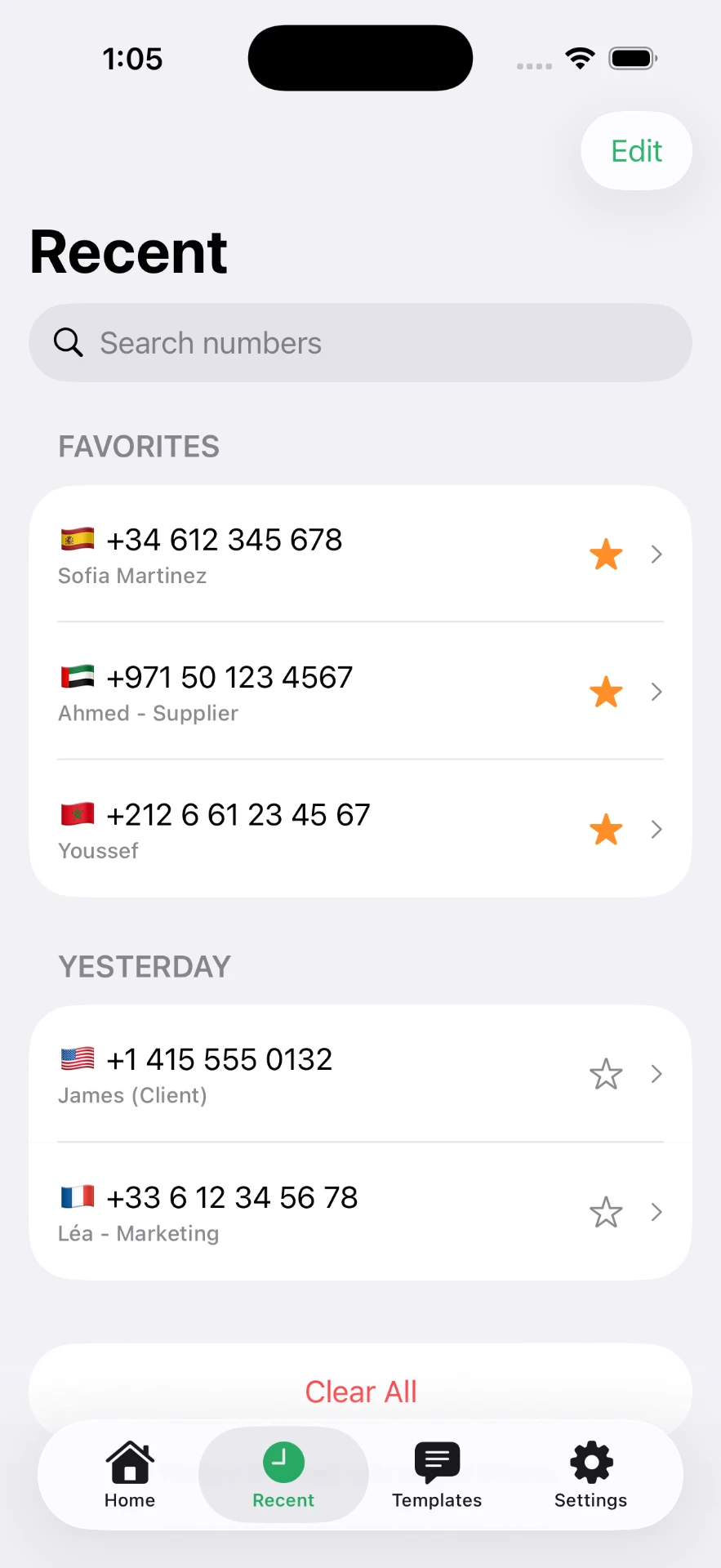
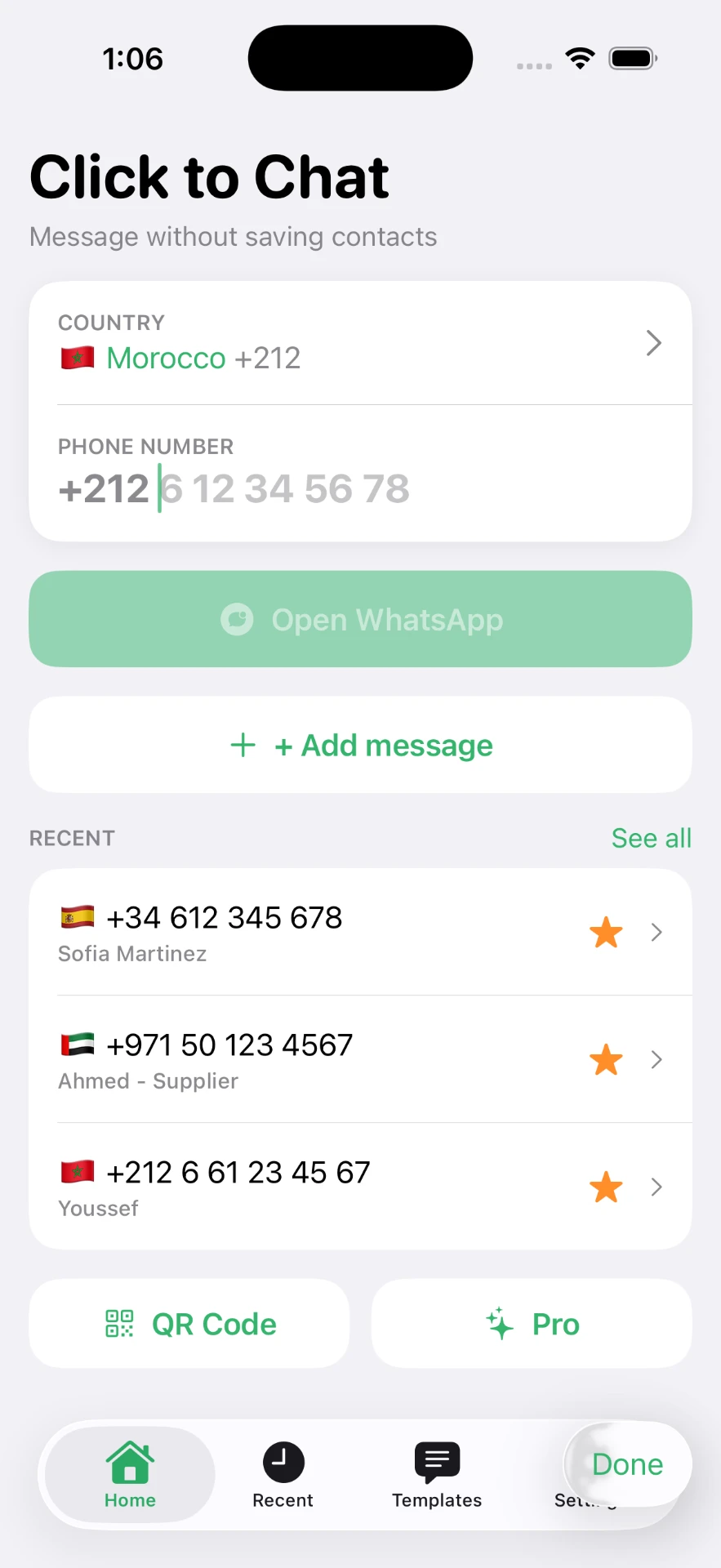
Typing links by hand is fine once. It is miserable ten times a day. The Click to Chat app keeps the same result but removes the formatting work: pick the country, type the number, tap to open. It also keeps a list of recent numbers, lets you star the ones you reuse, and stores message templates for replies you send constantly.
Next: messaging a number without saving it, the WhatsApp-specific guide, or the click to chat explainer.
Frequently asked questions
Can I chat with an unsaved number without any app?
Yes. Typing a correctly formatted chat link into your browser opens the conversation. An app only removes the manual formatting and remembers the numbers for you.
Will the person see that I never saved their number?
No. The conversation looks exactly the same on their side. They see your number or profile name as usual.
Does the number appear in my chat list afterwards?
The conversation stays in your messaging app's chat list, shown as the raw phone number rather than a name. Deleting the chat removes it. Your contacts app is untouched either way.
What if the number is wrong?
The chat will not open, or it will open with a number that has no account. Check the country code first, then confirm you removed the leading zero from the local part.
Can I do this with a number I copied from a website?
Yes, and it is the most common case. Paste it, remove spaces, brackets and dashes, and make sure the country code is at the front.
Click to Chat is an independent utility and is not affiliated with, sponsored by, or endorsed by WhatsApp LLC. WhatsApp is a trademark of its respective owner.