How to Message a Number Without Saving It
Not every number deserves a permanent place in your contacts. This guide covers the situations where you need to send one message to an unsaved number, and the quickest way to do it on each.
Five scenarios where this comes up
The technique is the same every time, but knowing which situation you are in tells you how much effort is worth spending.
- A one-off reply. Someone left a number on a listing or a note. You need to answer once. Build a link, send, done.
- A number read aloud or written on paper. Type it into a number field rather than into a contact form — fewer taps and nothing to delete later.
- A number pasted from a website or email. Strip spaces and brackets, keep the country code, and open the link.
- A foreign number. Choose the country deliberately instead of relying on your phone to guess it from the format.
- A number you will message again next week. Worth keeping in a recents list — still not worth a contact card.
The steps
- Write the number in international form: country code, then the local number, digits only, no leading zero.
- Build the link as
https://wa.me/<number>, or generate it with the link generator. - Open the link in your browser and continue into the messaging app.
- Check the number shown at the top of the conversation before you type anything.
- Write your message and send it.
The check in step four matters more than it looks. A single wrong digit produces a valid conversation with a stranger, and there is no undo for a message that has already landed.
Writing the message in advance
A pre-filled message is useful in two directions. When you build a link for yourself, it saves typing. When you share a link with other people — on a listing, an invoice, a shop sign — it gives them an opening line so they actually start the conversation.
Good pre-filled messages are short and specific:
- "Hi, I'm contacting you about the apartment listed on Rue Mohammed V."
- "Hello, is order #4182 ready for pickup?"
- "Hi, I'd like a quote for a two-bedroom move on the 14th."
Never put anything private in a pre-filled message that will be shared publicly. The text lives in the URL and is visible to anyone who sees the link.
When it happens all day
For most people this is an occasional task. For estate agents, online sellers, dispatchers and support teams it happens dozens of times a day, and the manual route stops making sense. Two things start to matter: getting to the number quickly a second time, and not retyping the same three replies.
The iPhone shortcut
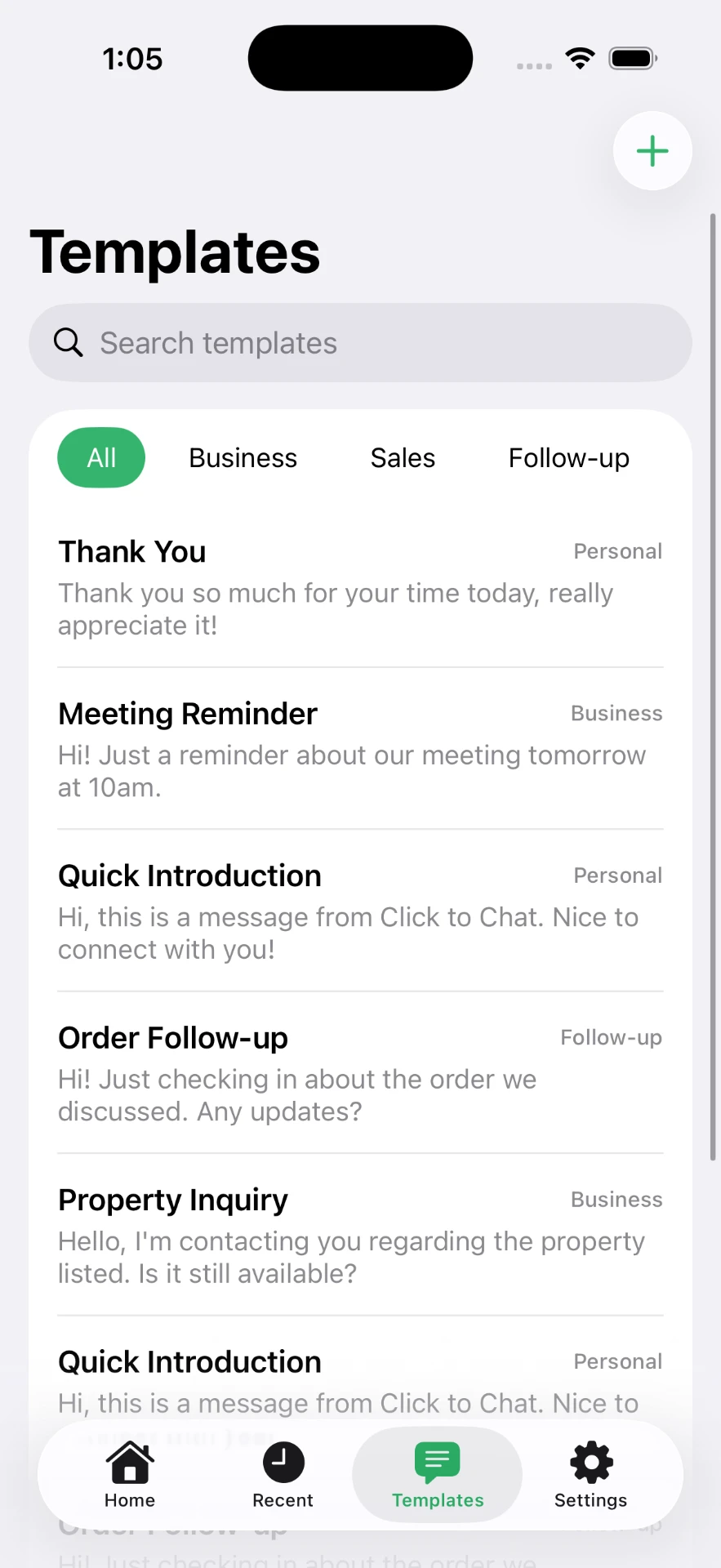
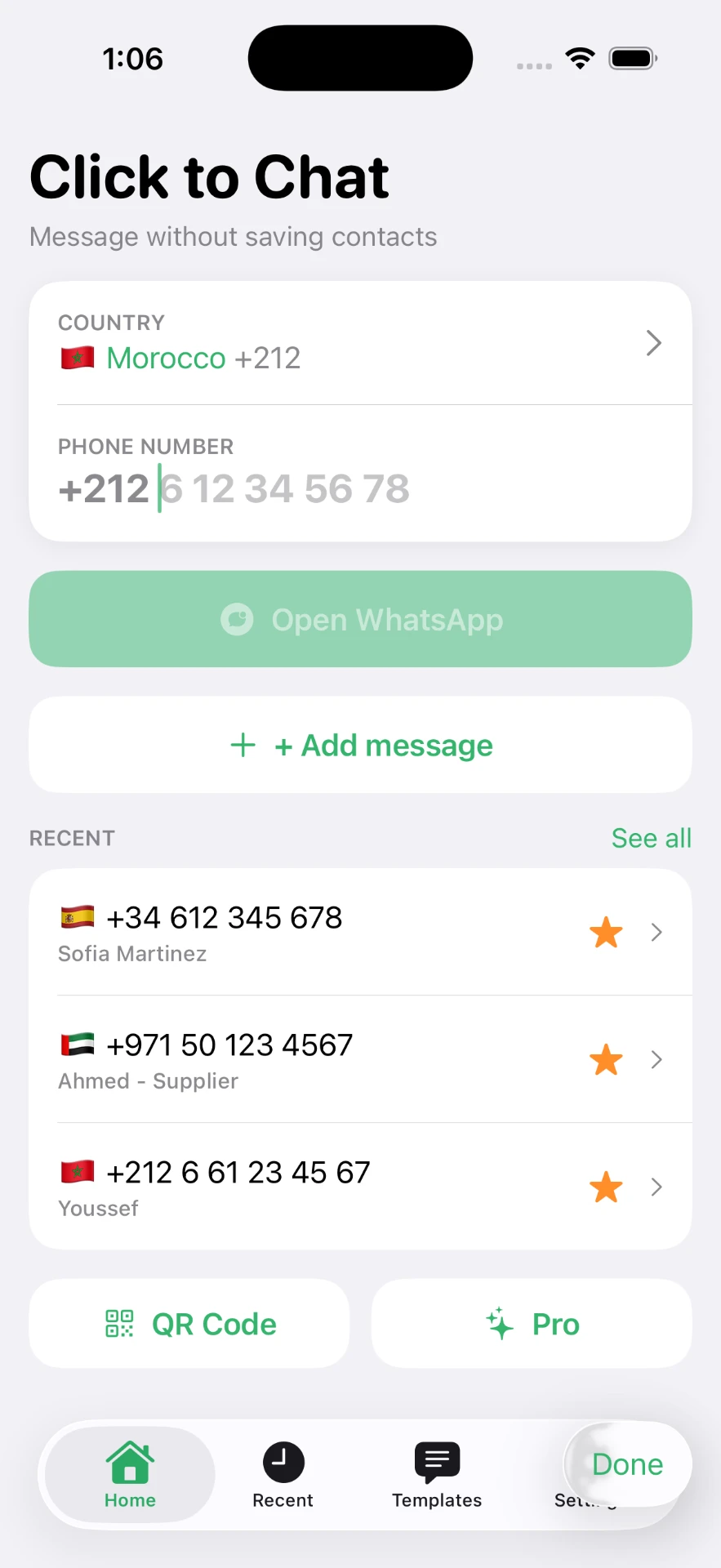
Click to Chat is built for exactly this loop. Pick a country, type the number, tap to open — and the app handles the international formatting that trips up manual attempts. Numbers you have used stay in a recents list, the important ones can be starred, and your standard replies live in templates.
Related: chatting without saving a number, messaging an unsaved number, and the high-intent WhatsApp walkthrough.
Frequently asked questions
Can I send a message without adding the contact?
Yes. A chat link built from the number opens the conversation directly. Adding a contact is only needed if you want the person to appear by name in your address book.
Does this work for SMS as well?
On iPhone you can start an SMS to an unsaved number straight from the Messages app by typing the number in the To field. This guide focuses on chat apps, where a link is the equivalent shortcut.
Can I write the message in advance?
Yes. A pre-filled message travels with the link and appears in the input field, ready for you to review, edit and send.
Is there a limit to how many unsaved numbers I can message?
There is no special limit tied to whether a number is saved. Normal messaging app rules about spam and unsolicited messages still apply, so message people who expect to hear from you.
Click to Chat is an independent utility and is not affiliated with, sponsored by, or endorsed by WhatsApp LLC. WhatsApp is a trademark of its respective owner.