How to Send a WhatsApp Message Without Saving the Number
You have the number in front of you and you need to send one message now. This is the shortest reliable route, including the country-code rule that decides whether it works on the first try.
The two-minute tutorial
- Identify the country. If the number was written locally you need to know which country it belongs to before anything else.
- Convert it to international form. Country code, then the local number, digits only. Remove the leading zero if the country uses one.
- Build the link.
https://wa.me/34612345678— or use the link generator, which formats it for you. - Open it. Load the link in Safari and continue into WhatsApp.
- Verify, then send. Check the number in the conversation header, write your message, send.
Country code formatting
This is the single step where attempts fail. Most countries use a trunk prefix — usually 0 — when the number is written for domestic dialling. That prefix is replaced by the country code, never combined with it.
| Written as | Country code | Correct | Wrong |
|---|---|---|---|
| 0612 345 678 | +212 | 212612345678 | 2120612345678 |
| 07911 123456 | +44 | 447911123456 | 4407911123456 |
| 050 123 4567 | +971 | 971501234567 | 9710501234567 |
There are also countries with no trunk prefix at all — Spain, Italy and the United States among them — where the local number is used unchanged after the country code.
Pre-filled messages
Adding ?text= to the link puts your message in the input field before the conversation even opens. Two uses:
- For yourself: your standard opening line is already typed, so a routine message becomes a single tap on send.
- For customers: a link you publish gives them context to start with — "Hi, I'm asking about the blue armchair" — instead of an empty box they never fill.
Spaces, accents and punctuation must be URL-encoded. Generators handle this; typing it by hand does not.
Situations this solves
- One-time conversations. Someone you will speak to once and never again.
- Customers. Order questions, appointment confirmations, quick updates.
- Online sellers. Marketplace buyers who message about an item and vanish if it sells.
- Deliveries. A driver telling a customer they are five minutes away.
- Business inquiries. Leads from a listing, a form or an event badge.
- International numbers. Suppliers and clients abroad whose numbers would otherwise clutter your contacts for years.
Doing it on iPhone
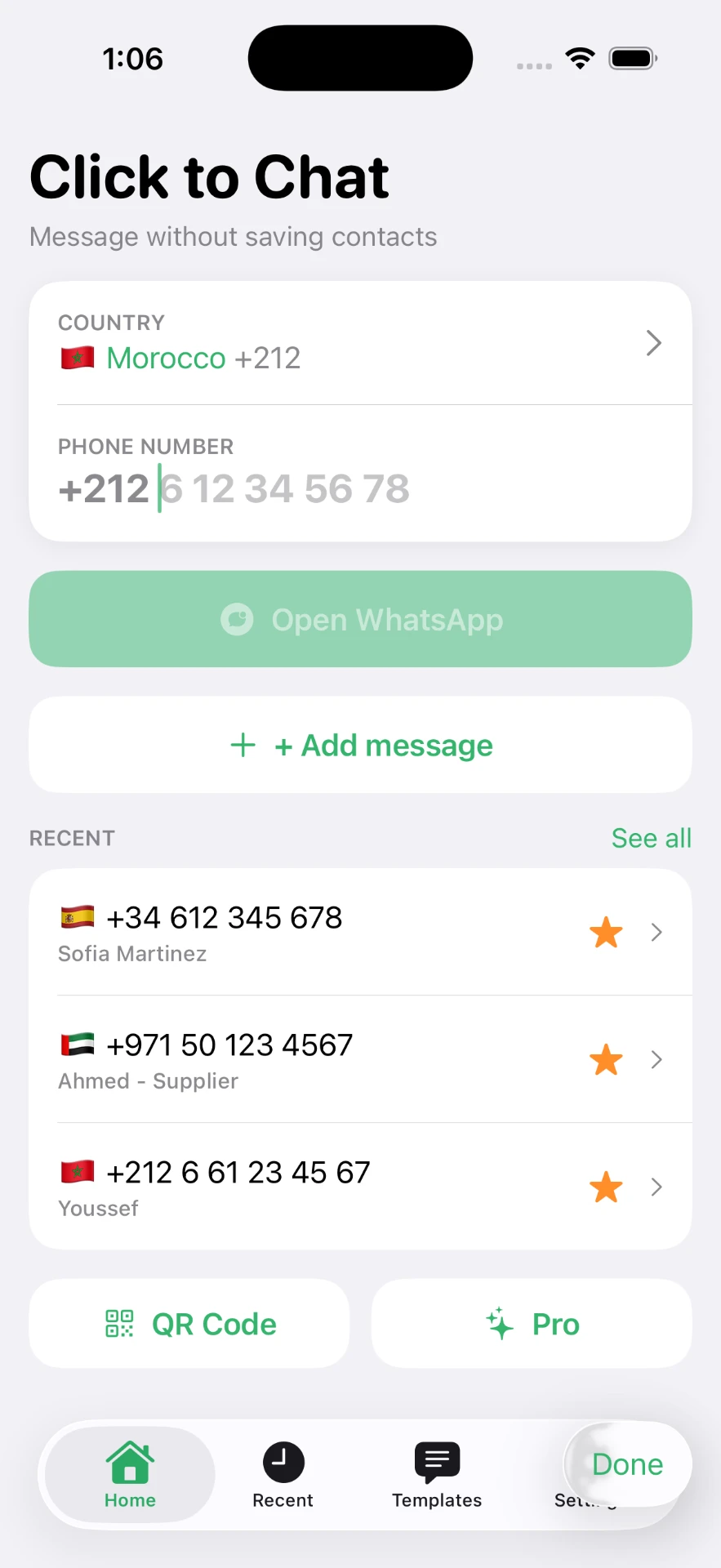
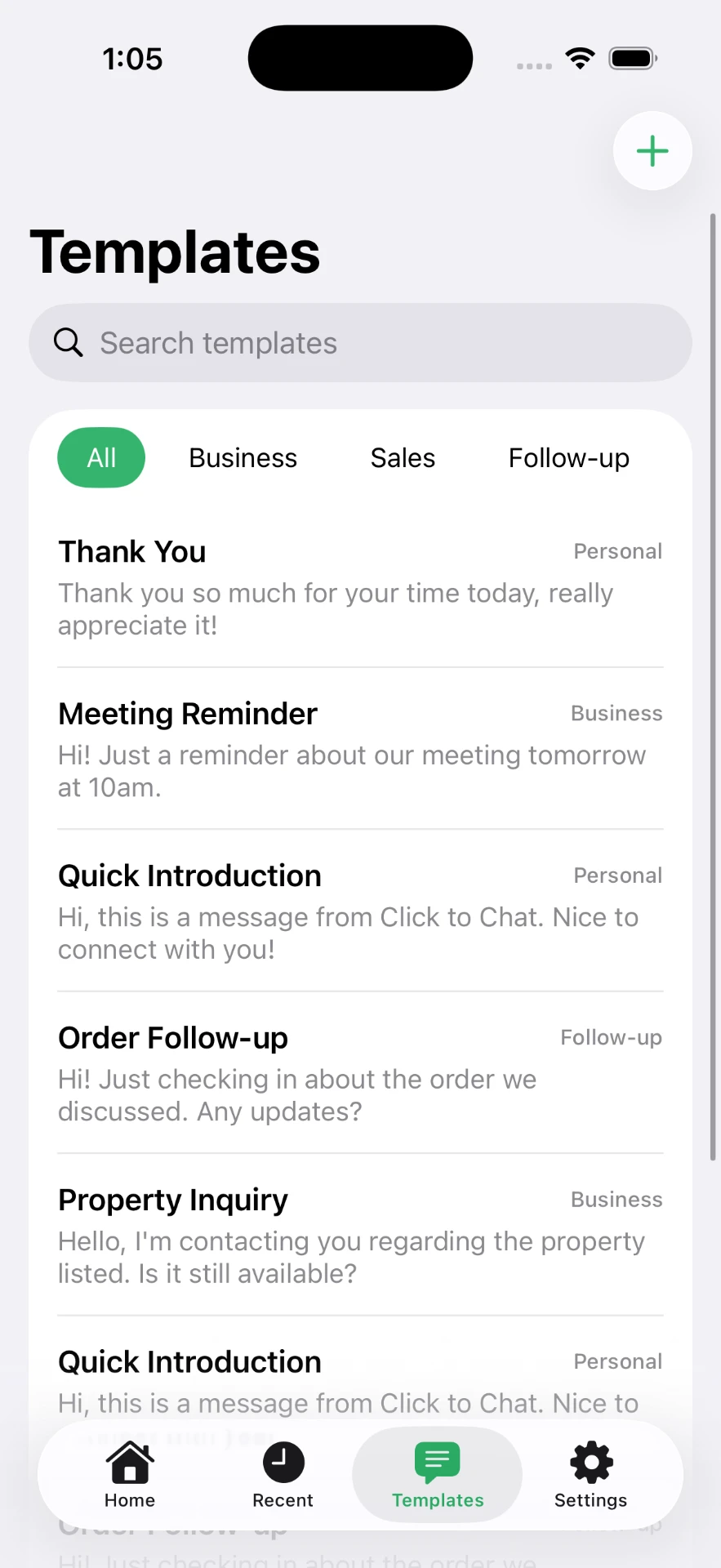
On iPhone the manual route means switching to Safari, typing a URL, and getting the formatting right on a touch keyboard. The Click to Chat app collapses that into one screen: country selector, number field, Open WhatsApp. Repeat messages come from saved templates.
More detail in the iPhone guide and the main WhatsApp guide.
Frequently asked questions
How do I send a WhatsApp message to a number I have not saved?
Open a chat link containing the number in international format, then type and send as normal. The number never needs to be added to your contacts.
Do I need to include the plus sign in the number?
No. A chat link takes digits only. The plus sign is a human-readable convention and will break the link if included.
Can I send the message automatically?
No, and no tool should claim otherwise. A link opens the conversation with your text pre-filled. You still tap send.
Can customers message me the same way?
Yes. Share a chat link or QR code that points at your own number, optionally with a pre-filled opening line, and they can start a conversation without saving your number either.
Click to Chat is an independent utility and is not affiliated with, sponsored by, or endorsed by WhatsApp LLC. WhatsApp is a trademark of its respective owner.